How Cleaver Duel works: peer-to-peer netcode
Cleaver Duel does not run a game server. Matches are played directly between two browsers, and a tiny signaling service only helps them find each other. This page explains the idea in plain language for the curious.
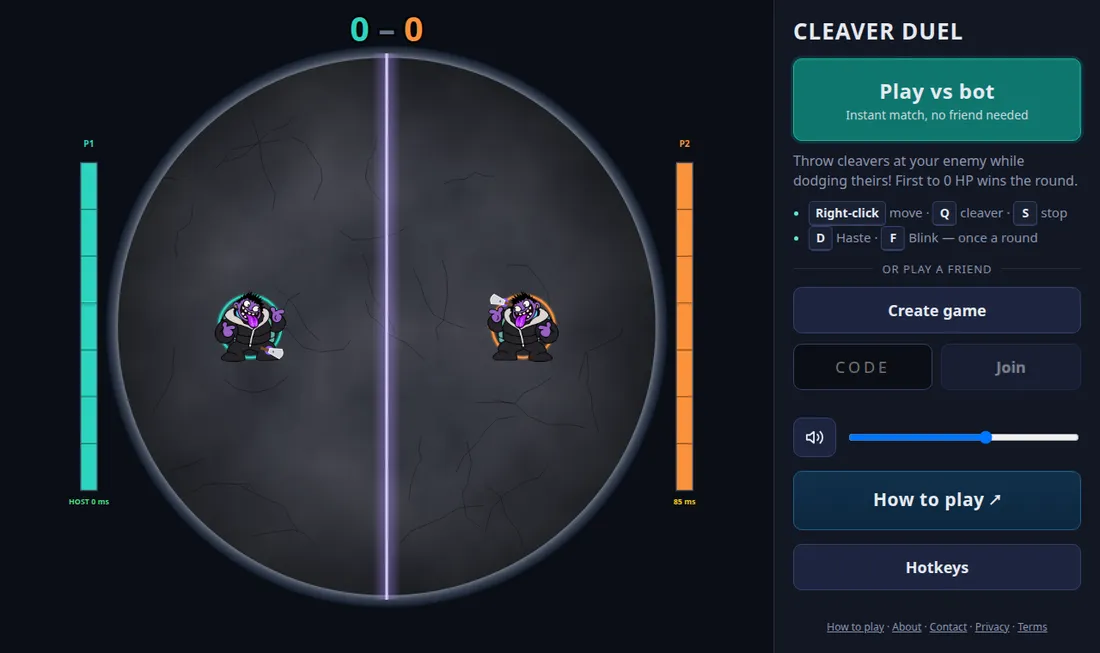
Creating and joining a room
When you press Create game, the signaling service issues a five-letter room code. You share that code or the invite link. When your friend opens it, both browsers exchange a few small connection messages through the signaling service, set up a direct WebRTC data channel, and from that moment all game traffic goes straight between the two of you.
This is why the game has no accounts and no chat. The signaling service never sees your moves, and it only needs to relay a handful of messages at the start of a match. Rooms that nobody joins expire after ten minutes.
Host authority
One player, the host, runs the official simulation of the match at a fixed 60 steps per second. The guest sends inputs such as move, throw and ability presses, and the host decides what actually happened: who was hit, when a cleaver landed, and who won. The host sends the resulting state back to the guest and to any spectators many times per second.
A host-authoritative design costs nothing to run and keeps both screens consistent, but it has two known trade-offs. The host sees their own actions instantly, which is an inherent latency edge, and a host could in theory cheat. For a friendly duel between two people who know each other that is an accepted compromise, and the game includes a host-delay option to level the field.
Client prediction and interpolation
If the guest waited for the host to confirm every click, the game would feel sluggish. Instead the guest runs the same deterministic simulation locally to predict their own movement and casts immediately, then reconciles with the host's state when it arrives. The opponent and the cleavers are drawn by interpolating between recent host snapshots, which keeps them smooth even on a mediocre connection.
The simulation itself is a pure function of the previous state and the inputs, with no dependence on the screen or browser. That is what makes the prediction possible and also lets it be covered by automated tests.
Phones, tablets and desktops together
Because the simulation and networking are identical on every device, a phone player and a desktop player can be in the same room. The only difference is input: on a touchscreen a tap replaces the right-click, and ability buttons replace the keyboard. Targeted abilities such as the cleaver and Blink are armed with a button and then aimed with the next tap.
Spectators
Anyone who opens the invite link after the room is full joins as a spectator, up to six. Spectators receive snapshots at a lower rate than the players to protect the host's upload bandwidth.
When a direct connection fails
Most pairs of browsers can connect directly using STUN. A minority sit behind network setups that block this, and for those the game can fall back to a TURN relay. If a connection cannot be made at all, trying a different network, such as switching from Wi-Fi to mobile data, usually works.
Privacy implication
Peer-to-peer means your opponent's browser can see your IP address, as it can with any direct connection. We explain this in our privacy policy.